
Screen Time, Whatcha Mean Time
Not all screen time is created equal

Many states have restricted use of cell phones in class, or bell-to-bell, yet there is still a question about how much “screen time” students have in school. Unlike with state test scores, there is no requirement that it be publicly posted how much “screen time” a student may experience in school. (Of course, state test scores may be going away in some states, too.)
It would be wonderful if every school and district conducted an audit of “screen time” in classrooms and was able to share with parents and caregivers how much time, say, a first grader spends on screens each school day. But even that would be a largely meaningless figure unless we are precise about what we mean.
I recall a meeting at a local elementary school where families in attendance pressed the principal repeatedly about how much “screen time” students were exposed to during the day. The response was essentially: What counts as screen time, and is your instinct that all screen time is detrimental correct?
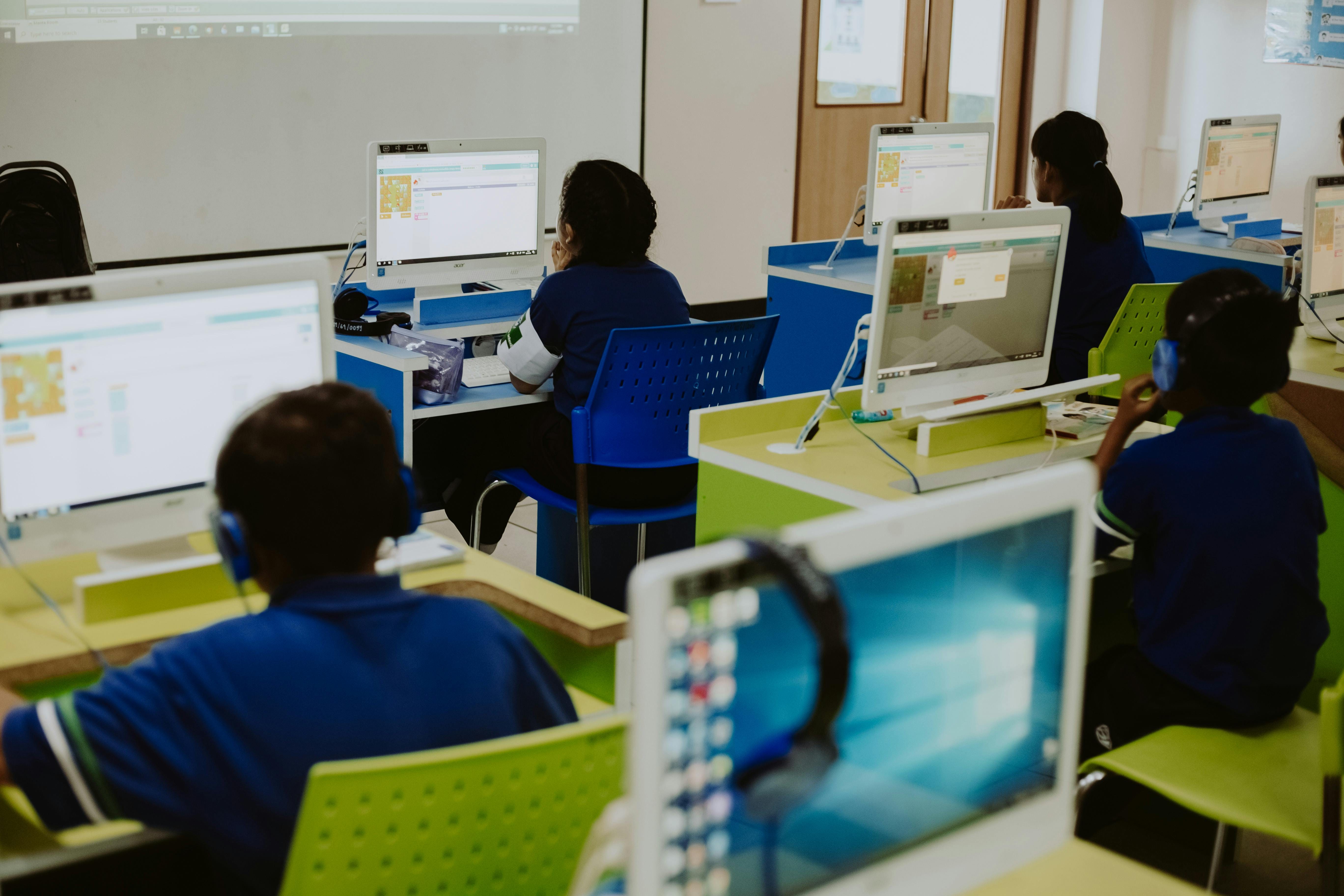
For instance, do you mean:
Using the interactive whiteboard to present content from the literacy or math curriculum
So-called “brain breaks” where the children watch a video with music encouraging them to dance and move around (one favorite: Bones! Bones! Bones!)
A storybook being read aloud on a video on the interactive whiteboard or on a school device 1:1 with the student on a program such as EPIC
Taking an interim assessment such as MAP reading or math
Using a Chromebook, iPad, or other device for individualized learning such as Khan Academy/Khanmigo, DreamBox, IXL or another program or tool
Using the internet to research a paper
Using Google docs to write a paper
Playing a typing game to learn how to touch type
The video that a class used to learn a coordinated clapping dance when it was too cold and snowy to go out for outdoor recess for several days in a row
“Educational” videos (e.g. The Magic School Bus) shown in the cafeteria when it’s pouring outside
“Noneducational” videos shown during down times at school, such as before children get on the bus (e.g. Superkitties) — that may or may not be authorized by school leadership
These are all real examples taken either from the news or other parent and caregiver experiences in schools. Some of these examples appear to be a part of a thoughtful approach to teaching and learning. Others might make a parent concerned that sending a child to school means opening them to potentially watching anything that exists on the internet.
Screen Time Has Different Uses
One approach would be to categorize screen time, such as:
(1) Whole class instructional screen time - Using the interactive white board to present content and show short videos that are part of the curriculum in use by the school/district
(2) Individual / group instruction and assessment time - Using specific programs approved by school/district leadership to support student learning; using computers for projects
(3) Student engagement screen time - “Brain breaks,” occasional use when the weather doesn’t permit going outdoors.
(4) Unapproved use - Use of screens that is not endorsed by school leadership and may occur out of convenience or during transition times, such as when students are waiting for some reason, or screen time that could be appropriately categorized as student engagement screen time, but “noneducational” programming was provided
(5) Discretionary use - Students playing educational games on computers during free choice time or recess periods; other instances where school staff may show videos for various reasons
“Instructional use” by any other name…
Categorization of “screen time” gets tricky quickly. For example, is a librarian showing a video of someone reading a story considered whole class instructional time or discretionary use, and either way, do caregivers agree with this type of use? Some caregivers might object to that type of “screen time” of because it may substitute for a teacher reading a physical book aloud to students and thus could remove a certain amount of personal engagement that could be helpful to connect students. Yet other caregivers might appreciate that all of the students in a large class can easily hear and see the storybook on the screen.
Another example: if an art teacher shows a video to illustrate a specific concept or show real-life examples of a specific type of style, that could be considered instructional. But if the art teacher continues showing a video “in the background” while students work, is that also instructional, or is it a distraction to students working on actual artwork that should be discouraged?
Even though it can be challenging to categorize, discussing examples presents a valuable opportunity to better understand the values and beliefs underlying concerns about “screen time.”
Ask Questions and Get Specific
A few good questions for schools and districts to ask related to “screen time” are: Have we shared with parents and families our approach to “screen time”? What policies are in place related to screens? What training to educators have on how to use screens effectively and appropriately? Two good questions for caregivers to ask are: What is your policy on “screen time”? What screen uses are permitted and which are not permitted or discouraged?
Ultimately, people may have fair divergences in their points of view regarding what types of screen use are acceptable in schools. Some people may prefer more in-person interaction, while others value individualized instruction that may be difficult for a teacher to deliver to a large class and would prefer computer-assisted learning. There are tradeoffs and nuances. If we only use the term “screen time” without further differentiation, we will miss out on understanding what is really happening in schools — and what should happen to best support student learning.